Being a middle school teacher, I had the unique opportunity to teach a lesson on Digital Citizenship to a classroom of third graders. My school district has recently began a push to increase our digital citizenship lessons this school year. In January, they exposed the elementary staff to the CommonSense Media website. Previously, this web site was only relied upon by the “tech” teachers in the building, and we were the only teachers who taught these digital citizenship lessons.
As faulty as this logic sounds, it was/is standard practice across many schools. Digital citizenship was primarily taught once or twice a year, mainly as a big “Don’t Do This” list. I fell under its spell, too, I’m afraid to admit.
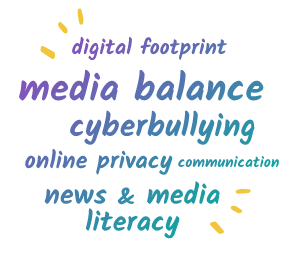
Thankfully, CommonSense updated their digital citizenship lessons to make them “easier to use and more relevant for teachers and students today.”(1). The revised lessons are now categorized in six core topics: Media Balance & Well Being, Privacy & Security, Digital Footprint & Security, Relationship & Communication, Cyberbullying, Digital Drama & Hate Speech, and News and Media Literacy.
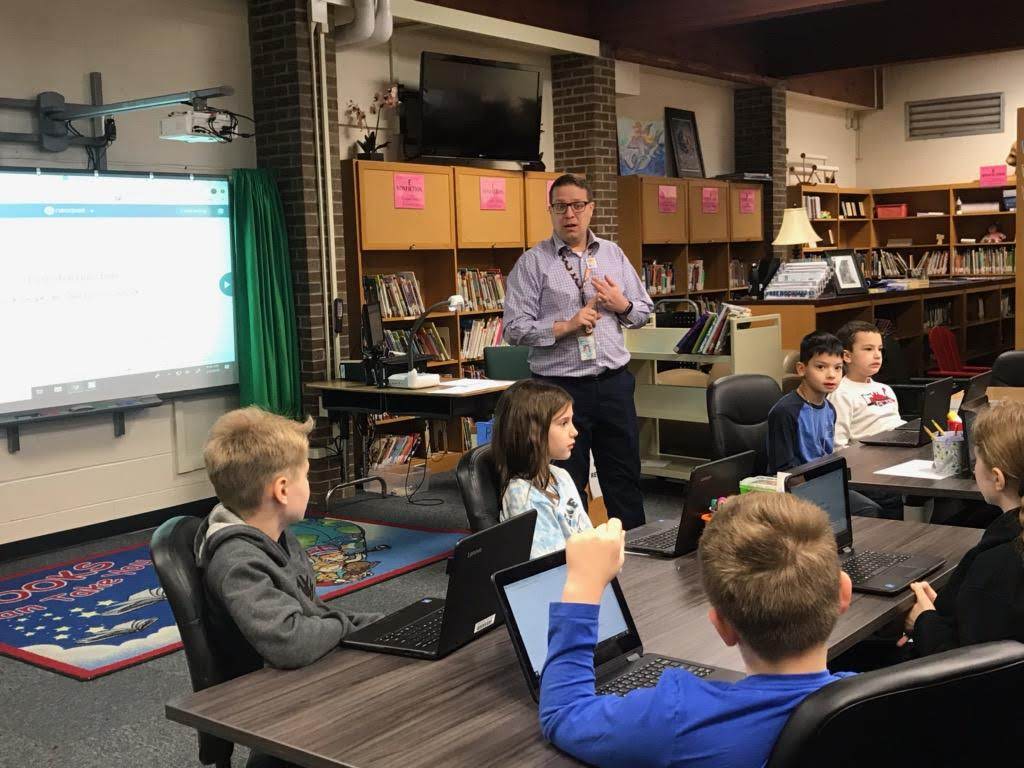
This week, I presented one of CommonSense Media’s third grade lessons on News and Media Literacy, titled, “Is Seeing Believing?” (2) This lesson focuses on why people alter photos and videos online. I really liked how CommonSense Media organized the photos in the slide deck to reflect digitally altered photos. The students could spot out some of the obvious ones, but were surprised about the photos displaying magazine covers of people.
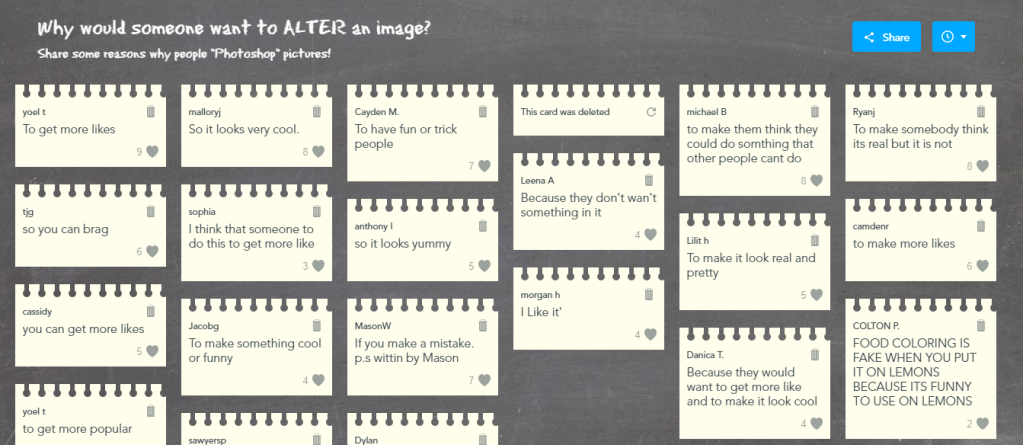
I was able to update the lesson even more by incorporating Nearpod interactive slides to make the presentation more interactive. Adding quick polls to the slides were a wonderful way to see if students could determine if a photo was digitally altered or not. Students were also able to collaborate on one slide by posting reasons why people digitally alter photos. At first, students were unsure what will happen when they click submit, but were excited to see their response on the board, where everyone in the class can see their posts. As you can see from below, their answers were pretty spot-on!
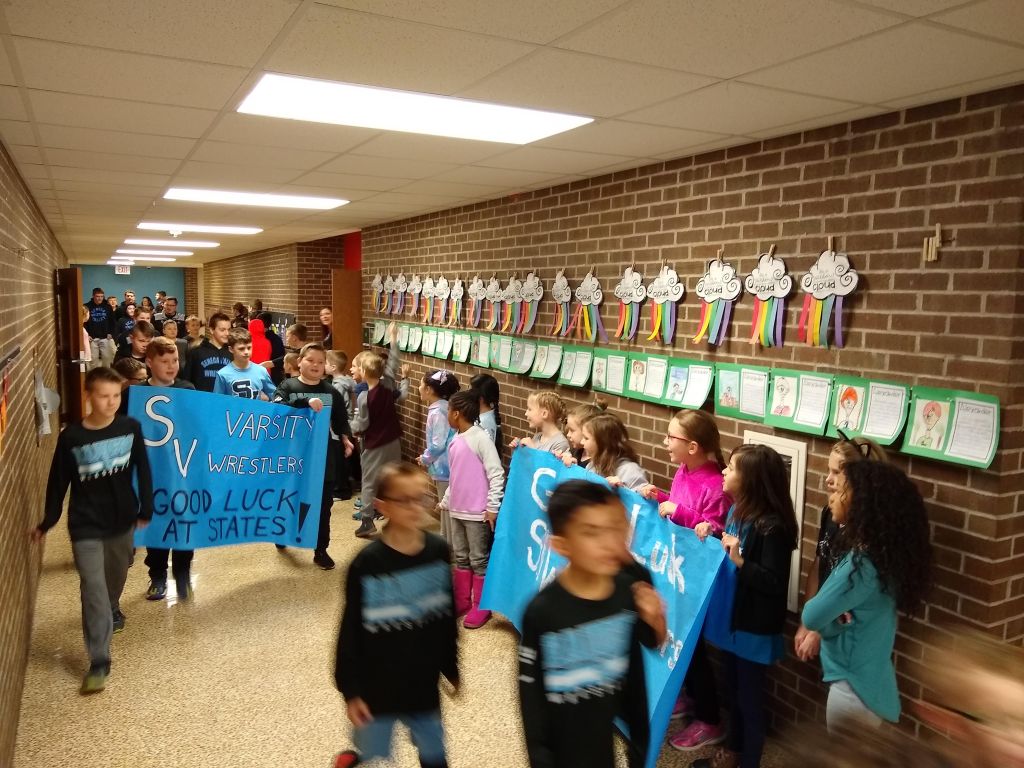
With teaching any elementary lesson, it comes with its own set of public-school challenges. As the lesson was just getting good, the school day was interrupted with a “parade” of the Seneca Valley wrestling team who has reached States for three years in a row. So, the entire class had to move out into the hallway for about ten to fifteen minutes while we waited for the team to stroll past as we cheered and high-fived the team. It was exciting to watch some of my former students walk by (go Chappell boys!), and the energy was very high. The only down-side, was that with my middle-school teaching schedule and my “open” periods, severely limits my availability to teach lessons to elementary students.
We did manage to squeeze about ten more minutes of the CommonSense lesson, but with the time remaining, we were unable to finish the lesson in its entirety. Fortunately, I’ll be back next week to finish!
For those interested in viewing the full Google Slide Deck, please click HERE.
A rationale mini lesson plan of the lesson can be found HERE. (3)
The students were very receptive of the lesson, and loved interacting with the slides. Next week, I will work with the same class on analyzing photos, which the students will reason, in small groups, the purpose of digitally altering photos. We will also explore altering videos, and the reasons behind them as well. Exposing the students to altered photos, and showing the many different reasons and ways they can be altered, I believe, will help them be more skeptical online. Which is an important skill people need to develop, especially in the social media world today, which includes many “fake news” stories, photos and “deep-fake” videos.
 Building Up STEAM