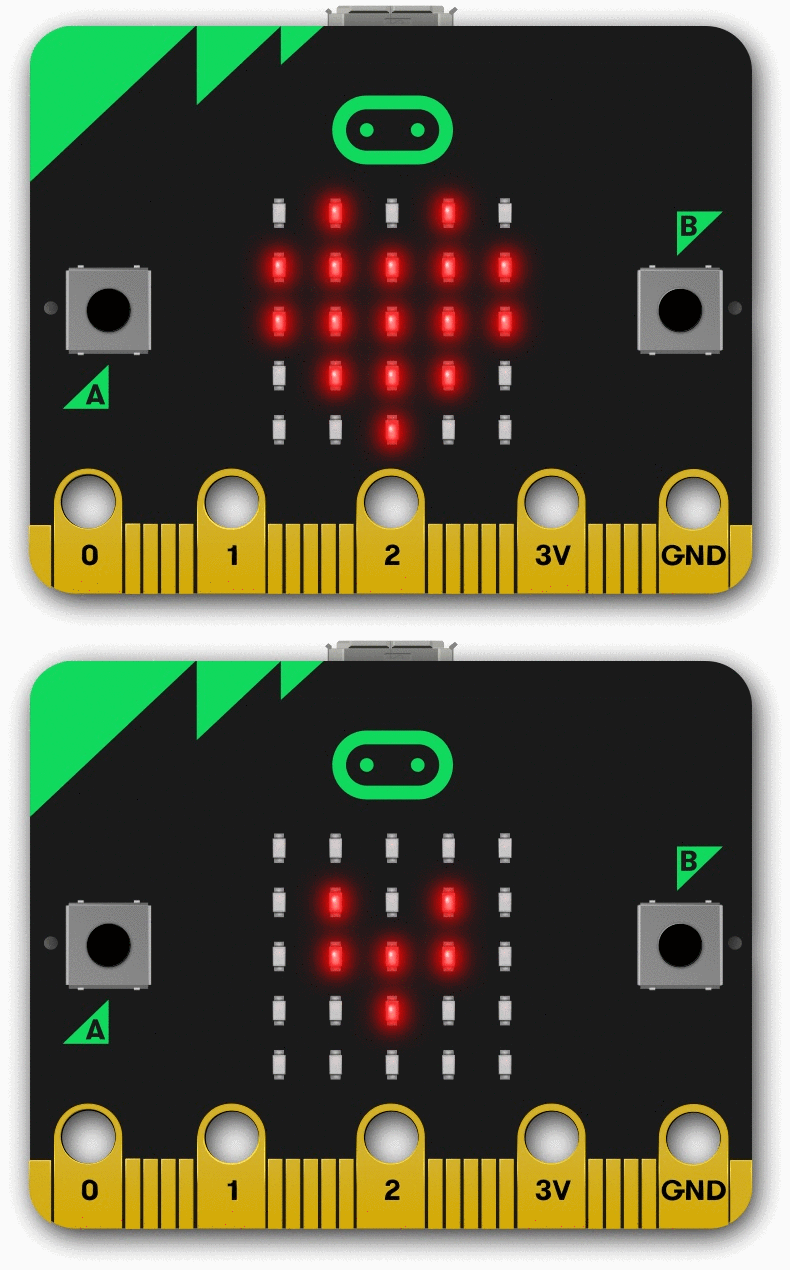
I am in love with Micro:bits. To be honest, I heard about these a few years ago, and they looked interesting, but I had very little interest in them for several reasons. One, they were super cheap – and that does not always equate to quality. Two, it was just another “cool tech gadget” in a sea of failed tech gadgets. If you’ve ever taught in a Makerspace setting, you will have had your fair share of the latest “fad” in educational technology. And lastly, Three, I didn’t have one to play with at the time (sad to say, but true).
I did my research, and they were invented by the BBC. Now, I’ve been a fan of BBC for many years. With shows like Dr. Who, Torchwood and Copper, they have great shows that are well acted and heavy on the drama! Now, what do they know about educational technology? Apparently a lot!
The Micro:bit is so full of features, it still boggle the mind! They have simple input buttons, a 25 grid LED display, compass, gyroscope, shake sensor, voltage pins, and even more! Did you know that the LED display can also act as a light sensor? Mind blown!
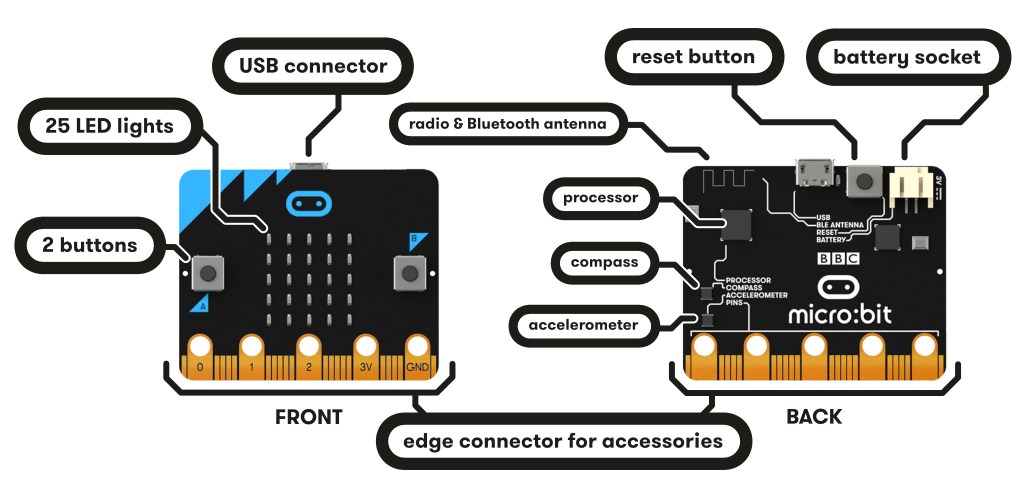
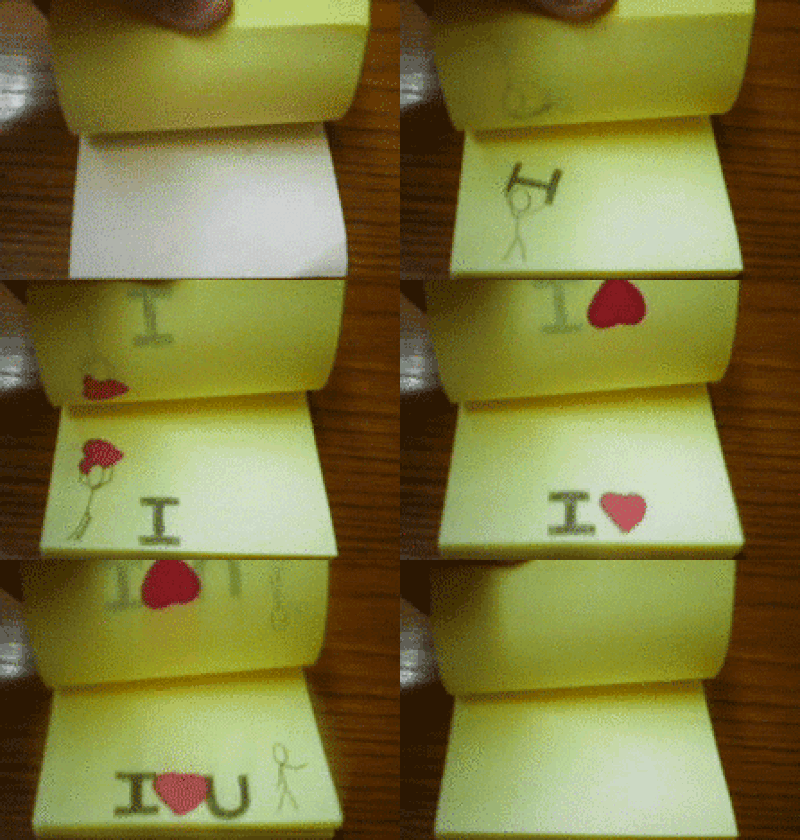
To introduce the Micro:bit to elementary students, I created a short “Hour of Code“-style lesson. In this lesson, the students will explore the LED features of the Micro:bit. This lesson hearkens back to the good ‘ol days of creating cartoon animations with a stack of post-it notes.
The students learn how to string a bunch of ‘show LED’s’ code blocks into a simple animation sequence. The extension activities allow the students to include text, action buttons, or utilize the shake feature to make the story interactive.
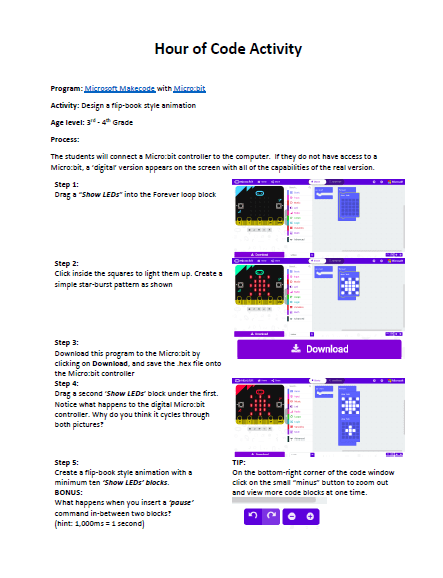
The best part about this lesson is that you don’t even need a Micro:bit to try it out! Go to the Microsoft Makecode website, click on the Micro:bit picture, and start your own new program. The digital Micro:bit on the site will be just as interactive as the real thing. It’s a great way for having a classroom full of students coding the Micro:bits, while sharing only a few to go around.
The sweetest thing of all with these Micro:bits are that they are super cheap! About $20.00 gets you everything you need, the controller, battery pack & small USB cable! Feel free to explore the tutorial lessons on the Makecode website to get a better idea of everything you can do with these powerful tools.
I hope you fall in love with these as much as I did. Feel free to comment below and share with me some stories on how you use Micro:bits in the classroom – especially with our youngest students!

